
Jusant
Good for players who like climbing routes, stamina rhythm, handhold planning, and a quiet mountain ascent.
View on SteamRoute planning in PEAK is the difference between a climb that feels controlled and a climb that collapses after one bad ledge. The safest route is usually the one that preserves stamina, recovery options, and teammate help.
To choose safer PEAK routes, scout before committing, climb in short sections, identify rest points, avoid routes that leave no recovery ledge, and keep teammates close enough to help. A route that looks slower can be better if it prevents a stamina panic or a fall that the team cannot recover from.
PEAK is a Steam co-op climbing game from Aggro Crab and Landfall where solo players or groups of scouts try to escape a mysterious island by climbing its central mountain.
Players search for route planning because PEAK creates dramatic failures when one tempting shortcut, one missed ledge, or one exhausted teammate ruins an otherwise strong climb.
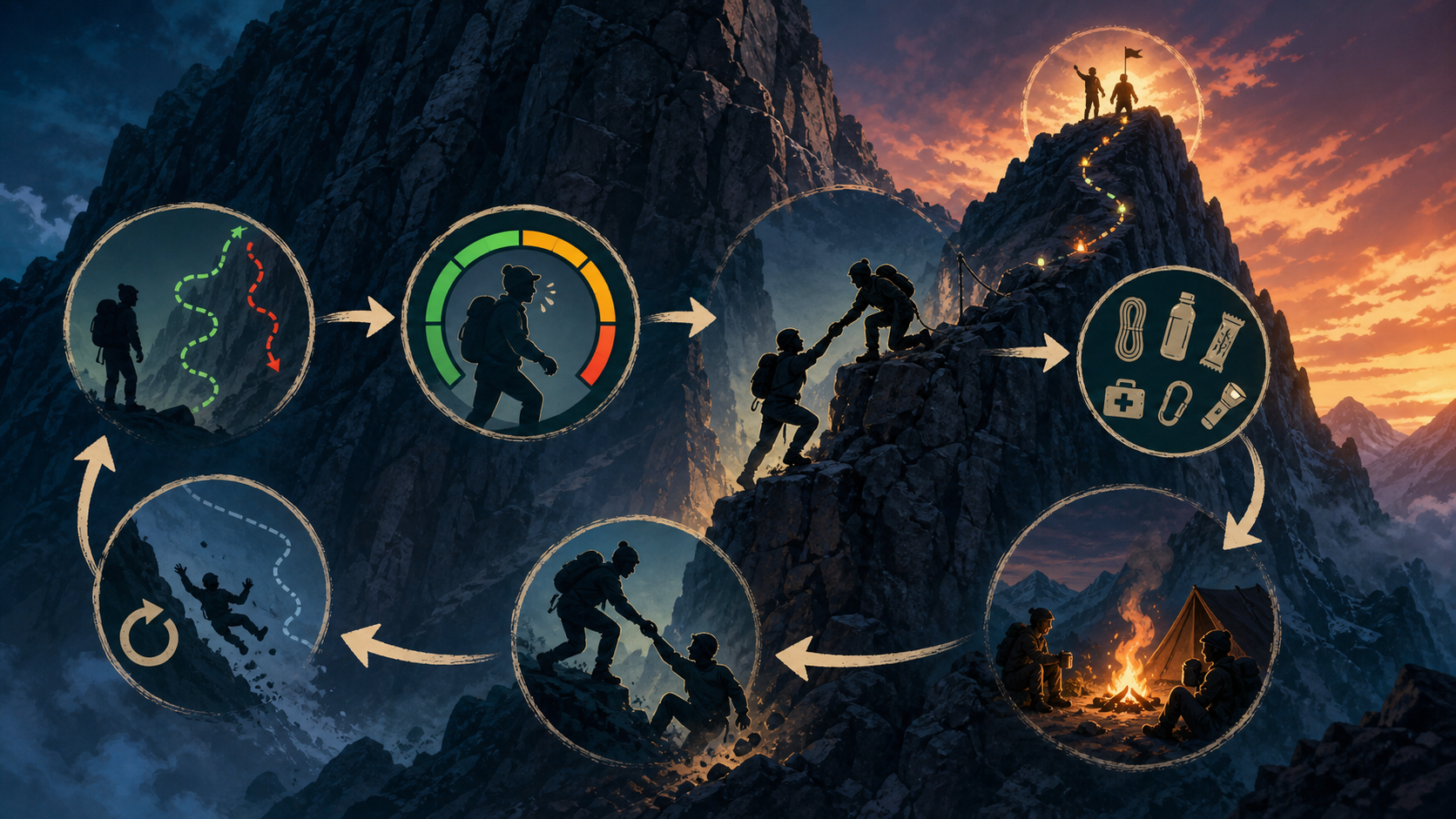
Scout the next section, choose a climbable line, manage stamina, stop at safe ledges, help teammates, use items for hard transitions, and reassess before pushing higher.
Start with the official platform, store page, or trusted game portal when available. Avoid APK mirrors, mod downloads, cheat tools, private servers, generator pages, copied game pages, and unsafe download mirrors.
If you like this mechanic, look for games with a similar loop rather than random downloads or copied versions.
Good for players who like climbing routes, stamina rhythm, handhold planning, and a quiet mountain ascent.
View on Steam
A fit if you enjoy awkward physics, cooperative movement, grabs, and recovering from messy climbs.
View on Steam
Useful for players who want focused climbing challenges built around grip, route choice, and body control.
View on Steam
Best if you enjoy difficult ascent games where patience, tiny corrections, and recovery matter more than speed.
View on SteamPick routes with visible rest points, manageable stamina cost, and teammate recovery options.
Not for beginners. A slower route with recovery options is often safer.
Use items when they solve a specific hard transition or survival problem.
The Steam page describes solo play, but co-op route support is a major part of the experience.
Use the official Steam store page when available.
No. It is an independent guide and does not host or distribute the game.
This page is an independent fan-made informational guide. It is not a publisher page and does not host or distribute the game. It does not provide unsafe clients, exploits, account rewards, or unsafe game files.